Change Course Name In Parent Square
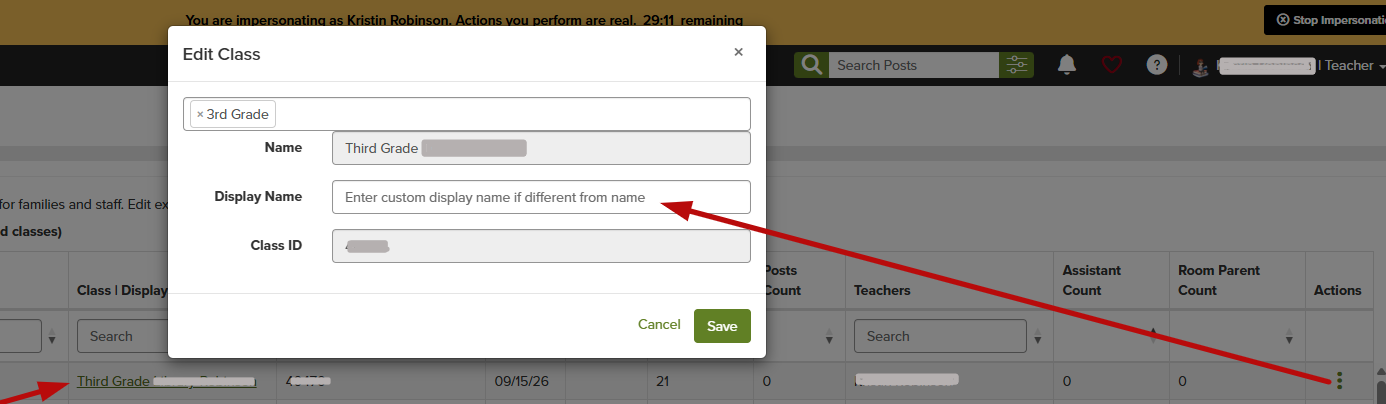
If you would like to change the name of your sections in Parent Square please follow the instructions below.
How to change section names:
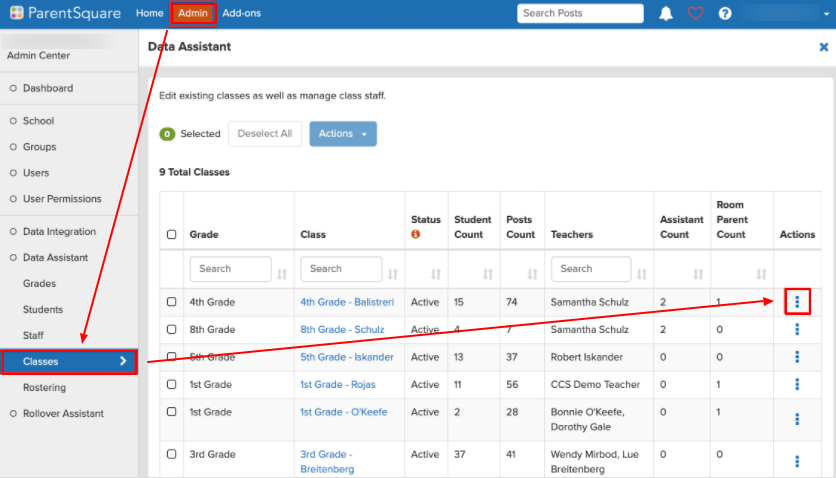
- Click "Admin" at the top
- Click "Classes" from the left sidebar
- Click the three dots under "Actions"
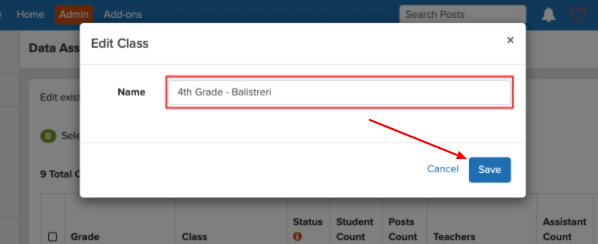
- Click on the class name and edit the name
- Click Save
To find the details and participants of your class to properly name the course, open the Class, and select Directory to show student names. Return back to your Admin Classes List and change the Display Name.